By Scott Sumner | AI at Work | Published October 22, 2026
AI meeting notes can make follow-up faster. Keep that benefit without turning a suggestion into a promise nobody made.
Answer: Review AI meeting notes by separating confirmed decisions, explicit commitments and unresolved proposals. Check each task against the conversation. Keep missing owners and dates visible rather than letting the summary fill them in.
The useful question is not whether the recap reads well. It is whether the people who attended would recognize the commitments it assigns to them.
Jump ahead
- A suggestion is not an assignment
- What meeting tools actually provide
- Review the commitments, not every sentence
- A practical extraction prompt
- Make the next meeting easier to summarize
A suggestion is not an assignment
Consider this fictional website project conversation:
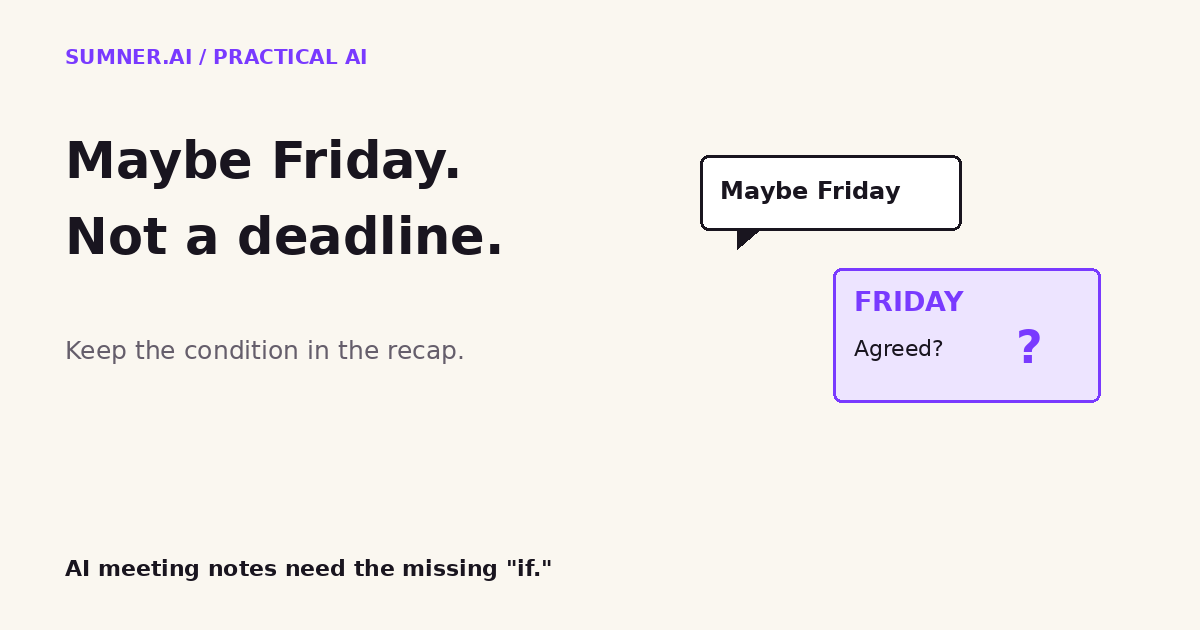
Alex: We could probably show the new homepage on Friday, if the photography arrives.
Sam: Let me check with the photographer first.
A task saying “Alex will deliver the homepage Friday” would change the meaning. The original statement was conditional. Nobody confirmed that the photographs would arrive, that Friday was feasible, or that Alex had accepted a delivery deadline.
The supported next step is narrower: Sam said they would check with the photographer. The conversation did not establish a due date for that check. Friday remains a possible review date, not a confirmed launch or delivery date.
This matters in service businesses because meeting notes travel. A project manager copies them into the board. A client forwards them internally. A tentative option starts looking like an agreed schedule once it appears under a heading called “Action items.”
That is a workflow risk, not a claim that a particular meeting tool always makes this mistake. Humans can make it too. AI makes a polished recap cheap enough to distribute before anyone notices the distinction.
What meeting tools actually provide
Zoom’s Meeting Summary documentation says the feature uses speech-to-text data to generate a summary. Depending on the host’s sharing choice, participants may receive it automatically after the meeting. Hosts can view, edit and share summaries.
Microsoft’s intelligent recap introduction describes recommended tasks and automatically suggested action items. The word “suggested” is useful. A recommendation extracted from a discussion is not, by itself, acceptance by the person named.
These are documented product capabilities, not an accuracy comparison. Features and access vary by configuration. Check the settings your organization actually uses, particularly who receives an unreviewed recap.
I would keep automatic capture and make the promotion into a committed task explicit. The summary can be a useful working document without becoming the final authority on scope, ownership or dates.
Review the commitments, not every sentence
A review process that requires someone to rewrite the whole meeting defeats much of the benefit. Start with the lines that can cause work or promises: decisions, assigned tasks, deadlines and changes in scope.
For each proposed task, keep a short evidence trail. What did someone actually agree to do? Who said it? Where in the available notes or transcript is the supporting passage? Keep a timestamp when one exists. Do not ask AI to manufacture timestamps when the source has none.
Then preserve the important qualifiers. “If the client approves” belongs beside the task, not buried in a summary paragraph. “We discussed Friday” belongs under unresolved timing unless the discussion supports a commitment.
| Meeting evidence | Useful record |
|---|---|
| “We could review Friday if the images arrive.” | Proposal: Friday review, dependent on images. Not confirmed. |
| “I’ll check with the photographer.” | Commitment: speaker will check. Due date unresolved. |
| “Agreed. Sam will send the approved images by Thursday.” | Confirmed action, if the speaker attribution and surrounding context support that agreement. |
These are illustrative examples, not excerpts from a customer meeting. In a real review, check surrounding context too. A sentence can be quoted accurately and still be contradicted later in the call.
Where ownership or timing remains unclear, ask the relevant person to confirm it. Do not treat silence as acceptance. That creates extra certainty on paper without creating any in the project.
A practical prompt for AI action-item extraction
Use this with an approved transcript or notes set in your organization’s approved AI workspace. Follow your meeting-recording, access and data-handling policies first.
Separate this meeting into confirmed decisions, explicit commitments, proposals and unresolved questions. For every commitment, include the outcome, named owner, due date, dependency and supporting quotation. Include a timestamp only if present in the source. Mark missing fields unresolved. Preserve conditional language. Check later passages for changes or contradictions. Do not turn a suggestion into an assignment. Do not send messages or create tasks.
That last sentence keeps this step focused on review. An extraction prompt is not a guarantee of correctness or a security boundary. If your assistant connects to a project board, configure the workflow so unapproved candidates do not automatically become assigned work.
Once a person confirms the record, it can move into the normal task system. This is a different question from preventing duplicate automation actions: first establish that the task was actually agreed, then make sure the approved action happens only as intended.
Make the next meeting easier to summarize
The best improvement may happen before anyone opens the recap. Reserve the final two minutes to read back what changed: which decisions are settled, who accepted which next step, and what still needs an answer.
Two minutes is a suggested practice, not a measured productivity claim. A complicated project may need longer. The purpose is to leave explicit statements in the record rather than ask software to resolve human ambiguity afterward.
For the homepage example, a useful close would be: “Sam will check the photography timing. The Friday review is not confirmed. We will choose the date after that check.” That is less exciting than a full task board. It is also more useful.
If AI is helping your team deliver websites or client work, bring one follow-up workflow to a strategy conversation. The starting point is the gap between what people said and what the system tells them to do.
Sources and scope
Product facts come from Zoom: Using Meeting Summary with AI and Microsoft: Intelligent meeting recap in Teams Premium. Sources checked October 22, 2026. This is evergreen workflow guidance, not a new product announcement. Examples are fictional; review practices and the prompt are Scott Sumner’s recommendations, not vendor-tested accuracy claims.